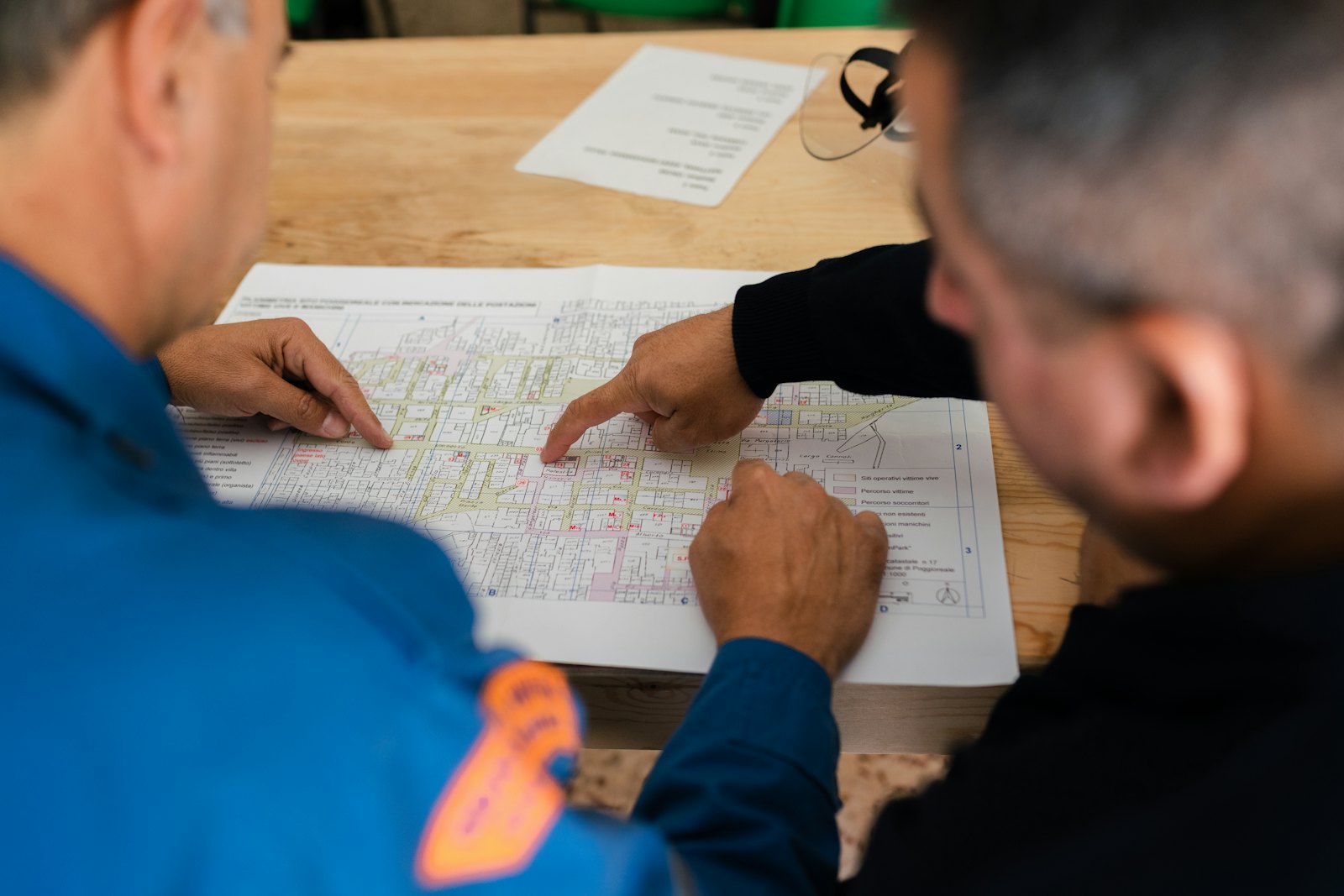
Ask anyone to review a submittal straight from the Autodesk Build page. They get an e-mail, stamp the drawings with their response, add a signature or seal, and click Send back to submittal: the signed PDF lands on the exact submittal it came from.
₹6,999 per user a year + GST · US$99 outside India · 14-day free trial for 10 people and 2 submittals · Team and Business plans
No more saving PDFs, e-mailing them around and uploading the signed copies by hand.
On the submittal in Autodesk Build, click Sign with Prygenix → Request review and stamp. Tick the PDFs and add the people, in order.
The first person gets an e-mail with a link. Team members sign in with Autodesk; people outside the project with a code sent to their e-mail.
They choose the response, place the review stamp, cloud the changes and add their signature, seal or DSC, on every sheet at once.
Send back to submittal attaches the signed PDFs to the same submittal. The next person is asked, and you get an e-mail each time.
SignOff includes every feature of Prygenix PDF Studio, plus the Autodesk Forma workflow.
A stamp with your company, the project's responses (Approved, Approved as noted, Revise and resubmit…) with yours ticked, the submittal number, your name and the date.
Add your signature, the company seal and optionally a certified Class 3 DSC signature with a trusted timestamp, exactly as in Prygenix PDF Studio.
Cloud the change, add arrows, notes, highlights and text. Every markup is saved into the PDF that goes back to Forma.
Same stamps on every PDF of the submittal: place them once, check each sheet if you like, and send them all back together.
Send back to submittal attaches each stamped PDF to the exact project and submittal it came from, named with the response and the reviewer.
Ask several people from the submittal page; each one gets an e-mail when it is their turn and stamps the copy the previous person sent back.
Clients, authorities and consultants sign with a code sent to their e-mail. No Autodesk ID and no licence needed; they see only what you sent them.
Whoever a submittal is sent to in Forma gets an e-mail with a link to review and sign it, and personal alerts for what arrives in your inbox.
As the submittal manager, close and distribute with the final response, or send it back to the contractor or a previous review step, as Forma allows.
An account admin sets it up in a few minutes; everyone else just signs in with Autodesk.
Drawings and submittal files pass through on their way between Autodesk and the browser and are never stored. Autodesk sign-in tokens are kept encrypted (AES-256-GCM), everything is done with each person's own Forma permissions, and a removed account leaves no tokens behind.
Every feature of Prygenix PDF Studio is included. People outside your company who only sign need no licence.
To the same submittal in Autodesk Forma (Autodesk Build), as an attachment named with the response and the reviewer, for example "SD-101 - Approved as noted - A Kumar.pdf". When the submittal is in review, it is attached to the review step, as Forma requires.
Team members sign in with Autodesk and use a seat of your plan. Tick Outside the project for clients, authorities or consultants: they sign in with a 6-digit code sent to their e-mail and need neither an Autodesk ID nor a licence.
It adds the Sign with Prygenix button to submittal pages in Chrome and Edge. Without it, use the Request review (Prygenix) bookmark from the setup page, or start from the web app's Forma submittal reviews.
Submittals work with Autodesk Construction Cloud (Autodesk Build) projects. Opening and saving files works in Autodesk Docs as well.
SignOff is PDF Studio plus the Autodesk Forma workflow: submittal reviews, review requests, guests, project e-mails and attaching back to submittals. A PDF Studio licence alone can open and save Forma files but has no submittal features.
Buy single seats, Forma Team (5 users) or Forma Business (20 users). We attach the plan to your ACC account and everyone keeps their seat.
An account admin sets it up for up to 10 people in a few minutes. No card needed.